Troubleshooting Sync Issues
3 min read
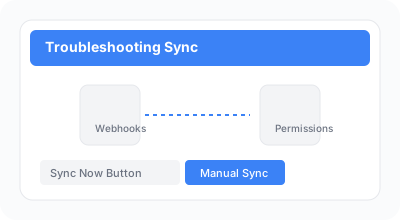
If you're experiencing synchronization issues between Shopify and ReturnBoard, follow these troubleshooting steps.
Steps
- 1
Check that webhooks are properly configured in your Shopify admin settings (Settings > Notifications > Webhooks). Ensure all required webhooks point to the correct ReturnBoard endpoint.
Required webhooks: returns/request, returns/approve, returns/decline, returns/process, returns/cancel, returns/close, returns/update, refunds/create.
- 2
Verify that the app has the necessary permissions to access your returns. Go to Shopify admin > Apps > ReturnBoard > Configure.
If permissions are missing, click "Reinstall" to grant them again.
- 3
Click the "Sync Now" button in the app dashboard to manually trigger a synchronization. Wait a few minutes for the sync to complete.
- 4
If issues persist, check the app logs in the settings page for error messages.
Common issues include: expired API tokens (reinstall the app), network connectivity problems, or Shopify API rate limits.