← Back to Help Center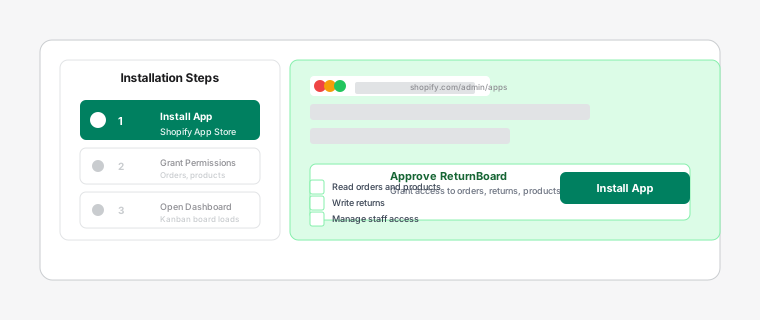
Shopify App Store install flow for ReturnBoard
Installing ReturnBoard
3 min read
Install ReturnBoard from the Shopify App Store to turn returns into a visual Kanban workspace for your returns team.
Before you start
- You need Shopify store owner or staff permission to install apps.
- Returns sync automatically after install — no CSV import required.
Steps
- 1
Open the Shopify App Store and search for ReturnBoard.
- 2
Click Install and approve the requested permissions.
- 3
Open the app from Apps in your Shopify Admin sidebar.
The board opens inside Shopify Admin as an embedded app.
- 4
Your Main board is created automatically; new returns appear via webhooks.
Allow up to 30 seconds for the first test return to appear.