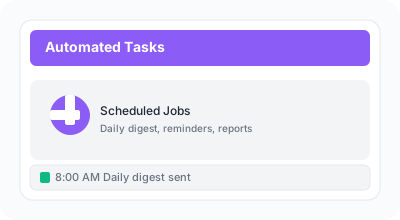
Dashboard showing automated task schedule and performance metrics
ReturnBoard runs automated tasks (cron jobs) in the background to keep your workflow running smoothly.
Steps
1
Daily digest emails are sent to team managers at 8 AM local time with a summary of completed return requests, pending returns, and team performance metrics for the previous day.
2
Overdue return reminders automatically notify assigned staff when deadlines are approaching (24 hours before) or have passed.
These reminders help ensure returns are processed on time.
3
Optional auto-archive (Settings) can hide completed returns after a number of days you choose. Separately, retention jobs clean old audit/webhook logs (default ~90 days) to keep the database healthy.