Integrations & API
4 min read
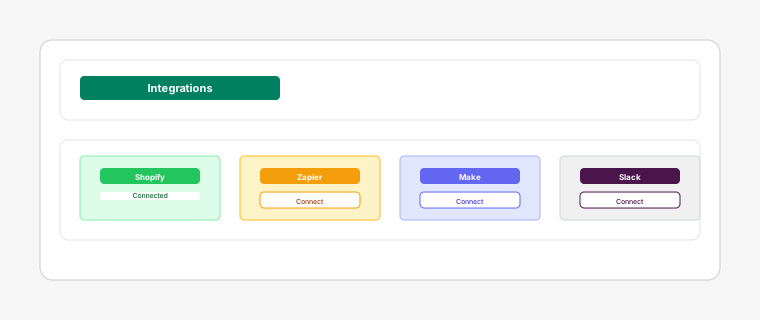
ReturnBoard offers powerful integration capabilities to connect with external systems and automate your workflow.
Steps
- 1
Generate API keys in the Integrations settings to allow external applications to interact with your return data programmatically. API keys provide read/write access to return requests, staff, and return information.
Webhooks are the core mechanism for automatic order sync, ensuring Shopify orders appear on the board within seconds of being created.
- 2
Configure custom webhook endpoints to receive notifications when return requests are created, updated, or completed. This enables real-time integration with CRM systems and notification services.
Shopify Flow and Webhooks are independent integration methods. Flow provides more flexible workflow orchestration capabilities.
- 3
Use Shopify Flow to create automated workflows that trigger actions in ReturnBoard. Combine return events from Shopify with return request management actions for seamless automation.
Outbound webhook supported event types: TASK_CREATED, TASK_COMPLETED, STATUS_CHANGED, TASK_ASSIGNED. Requests include event type, timestamp, shop ID, and return data.
- 4
Connect with tools like Zapier, Make, or custom applications using our REST API. Build custom integrations to sync data between ReturnBoard and your existing business systems.
API access requires Pro or Enterprise plan.